How to set up the Windows logon client tool
This is the procedure for an administrator to set up a client tool on behalf of a different member.
Note
Administrator privileges for YubiOn Portal are required to make the following settings.
Set up the PC while it is connected to the network.
Skip this step if you already have the client tool running.
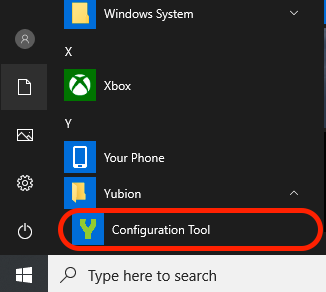 In the "Email Address" and "Password" fields, enter the email address and password that you used to register for the YubiOn Portal.
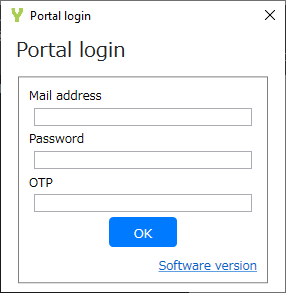 Plug the registered YubiKey into the USB port.
Select the "OTP" field and tap on the YubiKey to enter your one-time password.
After entering the information, the setting screen will appear.
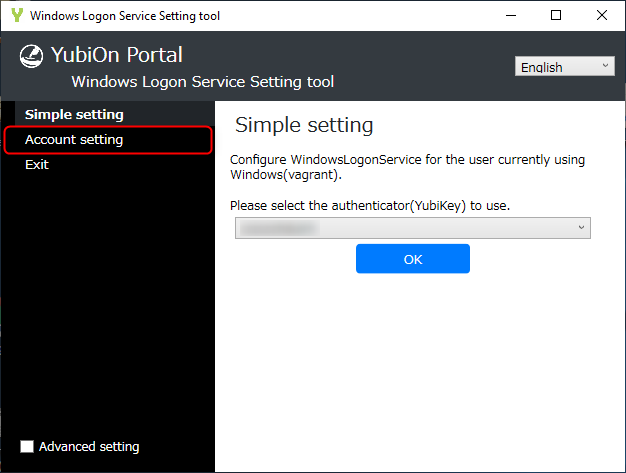
Click "Assign accounts and authenticators" in the configuration tool you just launched.
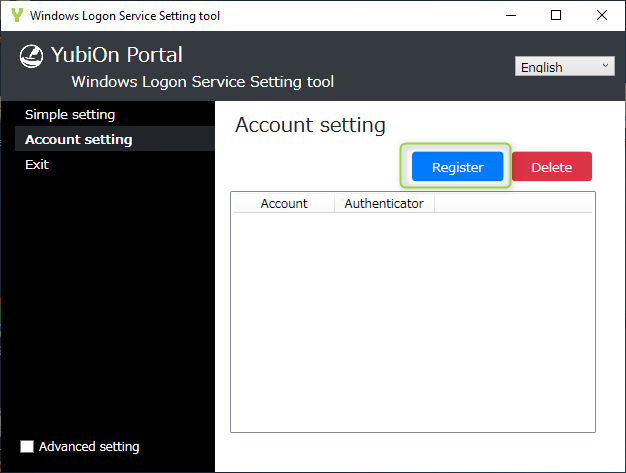
 Click "Register" button.
 Select "Account", "Member" and " Authenticator" and click the "OK" button.
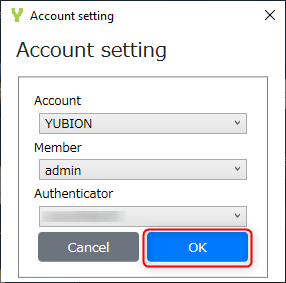
About the display name of YubiKey
The default name of the YubiKey displayed in the "Authenticator to Use" is the public ID of the YubiKey (first 12 characters of the one-time password).
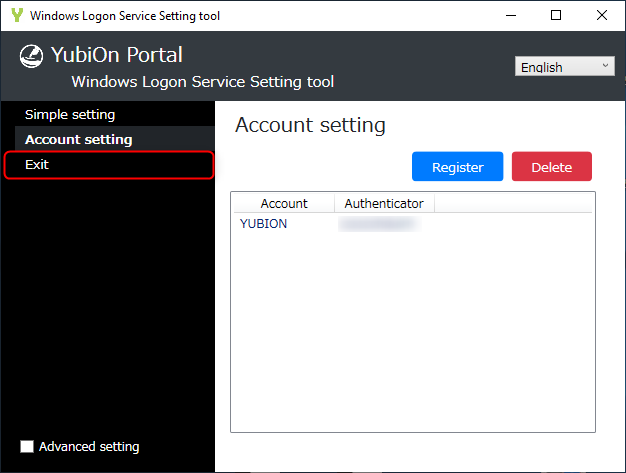
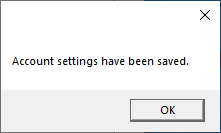 Click "Exit" to close the configuration tool.
When set up by a general account
YubiKey assignments can also be made by non-administrators. In this case, the connection between the Windows account you are currently logged into and the YubiKey you used to log in to the client tool is completed immediately. Non-administrative members cannot be assigned a specific account and YubiKey.